
Resonance
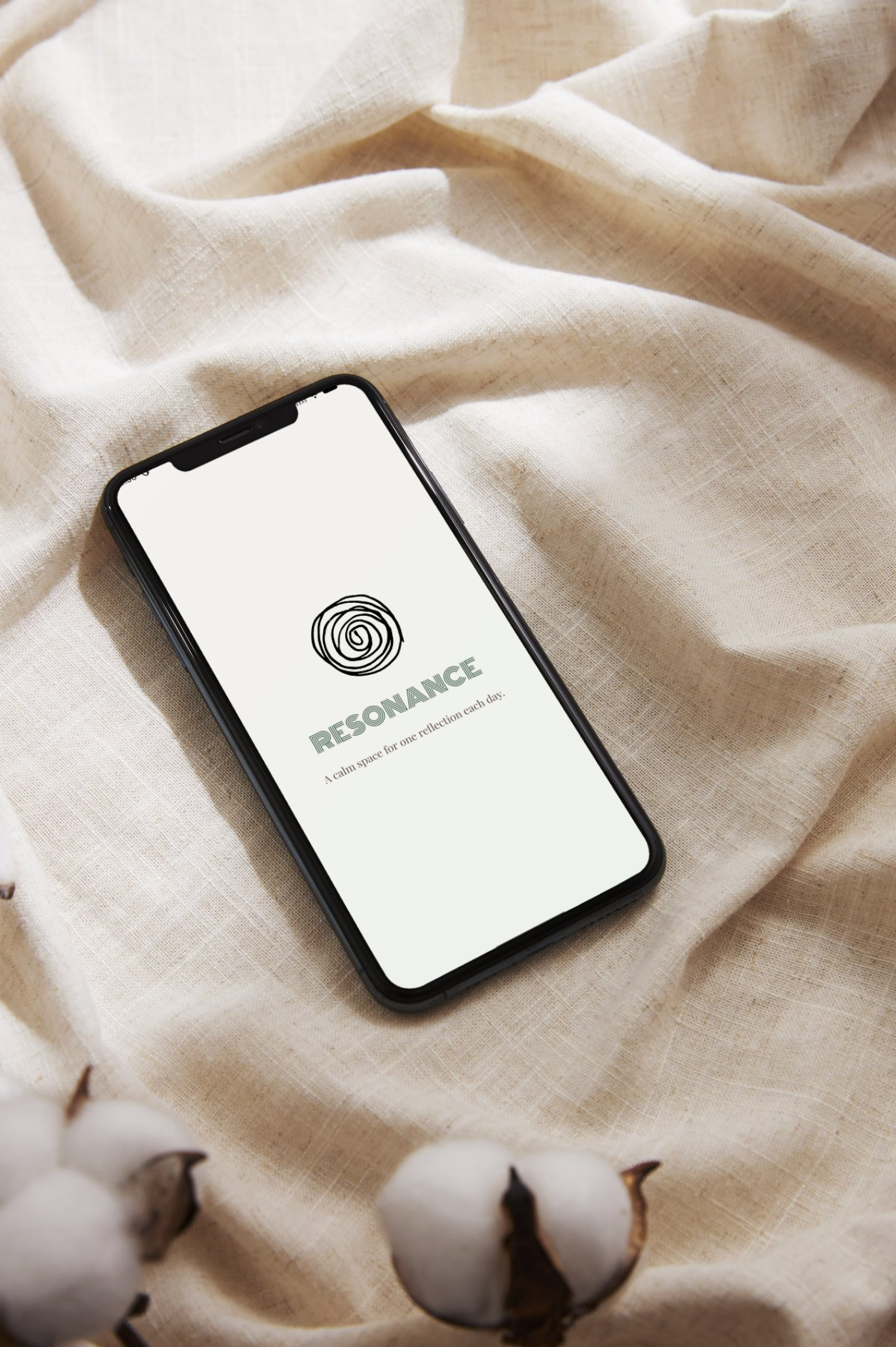
Resonance is a native Android app for daily reflection through sensory prompts, mood colors, and optional personal notes.
The app supports one saved reflection per day and a chronological archive for revisiting previous entries. Its interface combines warm neutrals, muted greens, and a consistent visual identity.
My role
Android Development, Interface Design, Local Data Integration
Tools
Android Studio, Kotlin, XML, Material Components, Room / SQLite
Context
Academic Mobile App Project

What I worked on
I developed Resonance as a native Android app for daily reflection. Users respond to a sensory prompt by choosing a color and adding an optional note. Each reflection is saved locally and can be revisited in a chronological history.
I built the app using Kotlin and XML, including the prompt selection, color palettes, reflection entry, and history screens. I also added persistent preferences, a confirmation step for deleting entries, and layouts for portrait and landscape orientations.
Approach
I separated interface rendering, application state, and data access using activities, fragments, ViewModels, and repositories. A shared ViewModel keeps the prompt, color selection, and note field synchronized.
Room stores reflections locally, with a unique date constraint supporting one entry per day. Returning to the main screen restores that day’s saved reflection and prevents duplicate saves. The history observes database changes and updates the affected entries.
I used lifecycle-aware observation and coroutines to handle interface updates and database operations. Shared visual resources keep typography, colors, and spacing consistent across screen orientations.
Skills Demonstrated
- Building native Android applications with Kotlin and XML.
- Managing shared interface state with ViewModel and LiveData.
- Structuring local storage with Room, SQLite, DAOs, and repositories.
- Updating lists with RecyclerView, ListAdapter, and DiffUtil.
- Handling asynchronous operations with coroutines and Flow.
- Saving user preferences and supporting different screen orientations.